
Importing 8,500 WooCommerce Products in 4 WPML Languages
Large-import numbers are useful only when the workload and environment are visible. “Thousands of products” could mean simple records with no images, or a multilingual catalog with category hierarchy and remote media.
This article documents one owner-measured reference run: about 8,500 WooCommerce products, about 1,040 categories, and four WPML languages. It is a real operating result, not a laboratory benchmark or a promise for every store.
The measured result
The Shirely run completed in about three hours. The previous workflow for the same catalog took more than twelve hours.
The measurement was made on SEOHOST SH3 shared hosting with 3 vCPU and 6 GB RAM. External image download was the main bottleneck.
Those details are essential. A different host, slower image origin, heavier plugin stack, different PHP limits, or more complex product shape can change the runtime materially.
What made the catalog demanding
The job combined three forms of scale:
- thousands of WooCommerce products;
- more than a thousand categories;
- four connected WPML language versions.
Every language version needs correct content and a valid translation relationship. Categories need translated names plus parent-child hierarchy. Remote images add network and Media Library work that can dominate the CPU time spent parsing CSV rows.
The useful lesson is not simply “Shirely is faster.” It is that catalog structure and external dependencies should be measured separately.
Why the Matrix structure helped
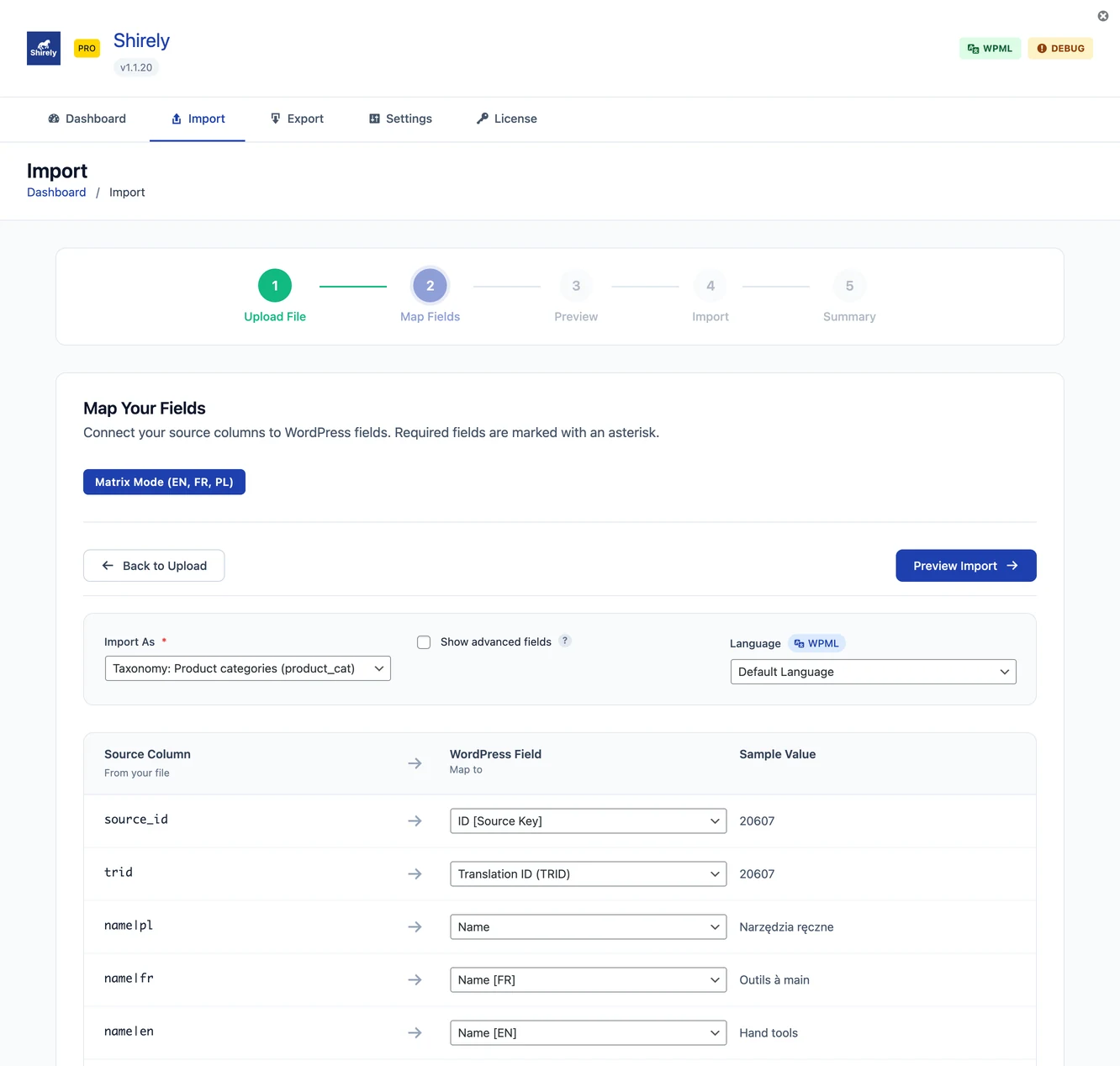
The source used a Matrix approach: translated values lived beside shared product identity in one row shape.
sku,title|en,title|de,title|pl,title|fr,regular_price
PART-001,Part name,Teilename,Nazwa części,Nom de la pièce,49.99
This avoids running unrelated language imports and linking products afterward. Shirely can use the language columns with WPML-aware paths while SKU or Matrix ID / External ID keeps product identity stable.
Categories use source_id and parent_source_id so the source hierarchy remains meaningful even when staging and production assign different term IDs.
Images were a separate performance problem
An image URL is not just another text field. WordPress must fetch the remote file, confirm it is an image, create a Media Library attachment, generate derivatives, and connect it to the product.
The measured run showed that remote image transfer was the main bottleneck. For another catalog, the limiting factor may be the host, database, variation count, plugins, or source cleanliness.
Before a large job, test the actual image host. A sample without images cannot predict the complete runtime of an image-heavy production import.
How to plan a similar import
- Validate language codes and stable identifiers.
- Import and verify translated category hierarchy.
- Run a representative product sample with real images and variations.
- Re-import the sample to prove matching.
- Record the sample's elapsed time and warnings.
- Increase batch size gradually.
- Keep a database backup and an explicit recovery point.
- Inspect representative products and language-switcher paths after each stage.
Do not estimate the full job from a perfect ten-row file. Include the rows most likely to be slow or difficult.
Automation and large jobs
Shirely 1.3 can save supported imports as Automation slots and records outcomes in Run History. WP-Cron supports hourly, twicedaily, and daily, but it is traffic-driven and does not guarantee an exact start time.
For a large or time-sensitive catalog job, system cron invoking Shirely through WP-CLI is more predictable. Ensure no manual wizard, other slot, or CLI run can update the same products, terms, or WPML/WCML groups concurrently.
The benchmark does not change these safety rules. Faster processing is valuable only when the result is correct and reviewable.
For the source design, read the Matrix approach. For operational preparation, use the documentation on performance and safety.